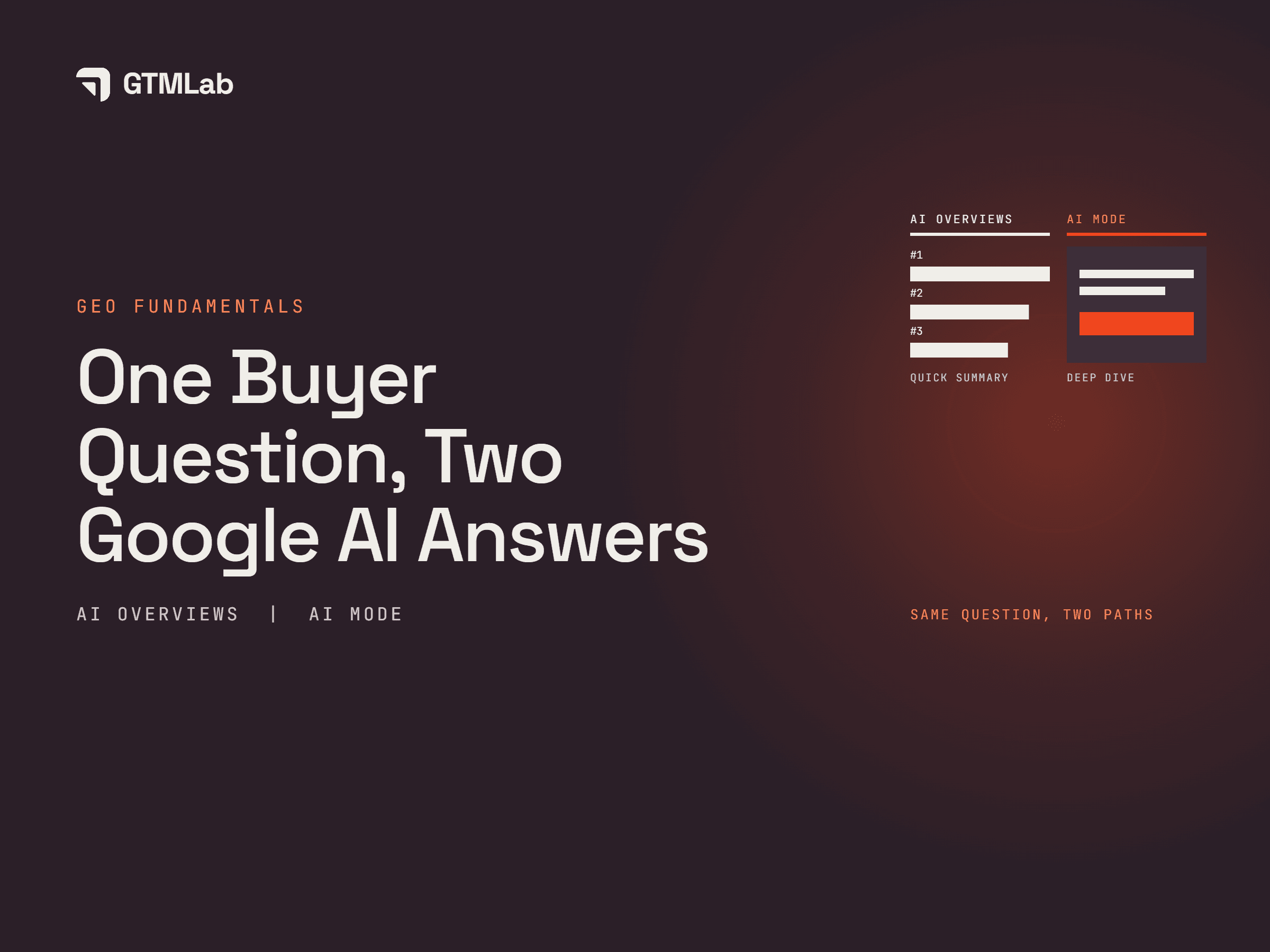
The main difference between Google AI Overviews and AI Mode is how you explore a question. An AI Overview presents a generated summary within Google’s search results. AI Mode provides a dedicated AI search experience where you can investigate a topic through answers and follow-up questions.
For your business, the useful question is what information a customer needs as their search develops. As AI search engines retrieve information and build an answer, your product details, pricing conditions and integration guides may help address different parts of the inquiry.
How AI Overviews and AI Mode Differ
AI Overviews and AI Mode both connect generated answers with links to web information. The distinction becomes clearer when you look at where someone starts and how they continue researching.
| Aspect | AI Overviews | AI Mode |
|---|---|---|
| Starting point | A summary may appear within Google’s search results | You enter AI Mode to ask your question |
| Main purpose | Get an initial understanding of a topic and explore supporting links | Investigate a topic, compare options and refine your question |
| Continuing the search | Open linked pages, search again or move into AI Mode where supported | Ask follow-up questions within the conversation |
Google explains that AI Overviews appear when its systems consider them helpful. A search may therefore return regular results without an AI Overview.
AI Mode supports deeper exploration, but the useful comparison goes beyond answer length. Look at whether the response addresses your requirements and whether the linked pages support its claims.
One Question, Two Experiences
In AI Overviews, this tool can help buyers get an initial understanding of their options and explore supporting pages. It is important to know that a helpful answer highlights relevant capabilities and gives readers a way to verify them.
On the other hand, AI Mode will provide buyers the ability to explore the same topic through follow-up questions, refining their requirements and developing a more detailed comparison as the conversation continues.
Through these experiences, useful answers explain how the options fit the buyer’s needs. They help readers understand what to check before making a decision.
How Follow-Up Questions Shape the Search
A broad question rarely includes every condition that affects a purchase. Once the buyer understands the available options, they can ask more specific questions.
| Follow-up question | Information the buyer needs |
|---|---|
| Can three team members manage enquiries through the same WhatsApp number? | Shared access, assignment rules and any user limits |
| What would the total monthly cost be for three users? | The required plan, user charges and any additional messaging or integration costs |
| Can we keep our existing WhatsApp number? | Connection requirements, migration conditions and setup steps |
Each follow-up adds another condition to the comparison. A CRM could offer a WhatsApp connection while its public information leaves team access or migration requirements unclear. However, the buyer would still need to verify those details.
Google also allows users to continue from an AI Overview into an AI Mode conversation on supported mobile experiences, carrying over the original context. A buyer can therefore move from an initial summary into a more detailed investigation.
For your website, this makes the questions behind your main offer useful content-planning material. Explain the conditions that help someone decide whether your product or service will work for them.
Why Answers and Sources Can Differ
Google says both experiences may use query fan-out, which involves running related searches across subtopics and sources. AI Overviews and AI Mode can also use different models and techniques, so their answers and supporting links can vary.
Consider pricing and integration as two information needs in the CRM example. The buyer may need an integration guide to understand how WhatsApp works and a pricing page to establish what their team would pay. Different pages can help resolve different parts of the question.
When reviewing your business’s visibility, save the question, date, language, market and response for each experience. Check whether your business is named, how it is described and where each supporting link leads.
Keep the initial question separate from follow-ups so you can see what changed as more requirements were added. If no AI Overview appears, record that outcome too.
Preparing Your Content for Both Experiences
Start with the information customers need to assess your offer. For the CRM provider in this example, that means explaining the WhatsApp connection, team permissions, number migration and plan costs on the relevant pages.
A useful review can focus on three areas, which are:
- Essential details: It is best to keep functionality on product pages, setup instructions in integration guides and pricing conditions alongside the relevant plans.
- Connect pages with related questions: A WhatsApp feature page can link to its setup guide and plan details when those pages help someone evaluate the offer.
- Be constantly updated: You should keep decision-making information current. Start by updating supported features, limits, fees, and conditions when they change.
Google’s technical guidance says that supporting pages must be indexed and eligible to appear in Search with a snippet. It does not require a separate set of special technical optimizations for AI Overviews or AI Mode.
These checks build on the same content and SEO foundations involved in improving visibility in Google AI Overviews. Review those foundations alongside the further questions a buyer might ask during an AI Mode conversation.
The aim is to give someone enough accurate information to understand the offer, investigate the conditions and decide what to do next.
Frequently Asked Questions
Does AI Mode replace regular Google Search?
AI Mode is an additional way to explore information within Google Search. You can still use regular search results and open individual websites to investigate a topic.
Can AI Overviews and AI Mode make mistakes?
Yes. Google notes that AI responses can contain errors or miss context. Check details that affect a purchase, such as compatibility, plan limits and migration requirements, against the provider’s current information.
Is the experience the same in every country and language?
Availability and individual features can vary by location, language, device and account eligibility. Check Google’s current availability guidance when planning a comparison for a particular audience.
Does a citation mean Google recommends the business?
A citation provides a link to information used to support an answer. Assessing a recommendation requires reading how the business is described and whether the response presents it as suitable for the buyer’s requirements. Record the citation and recommendation separately.


