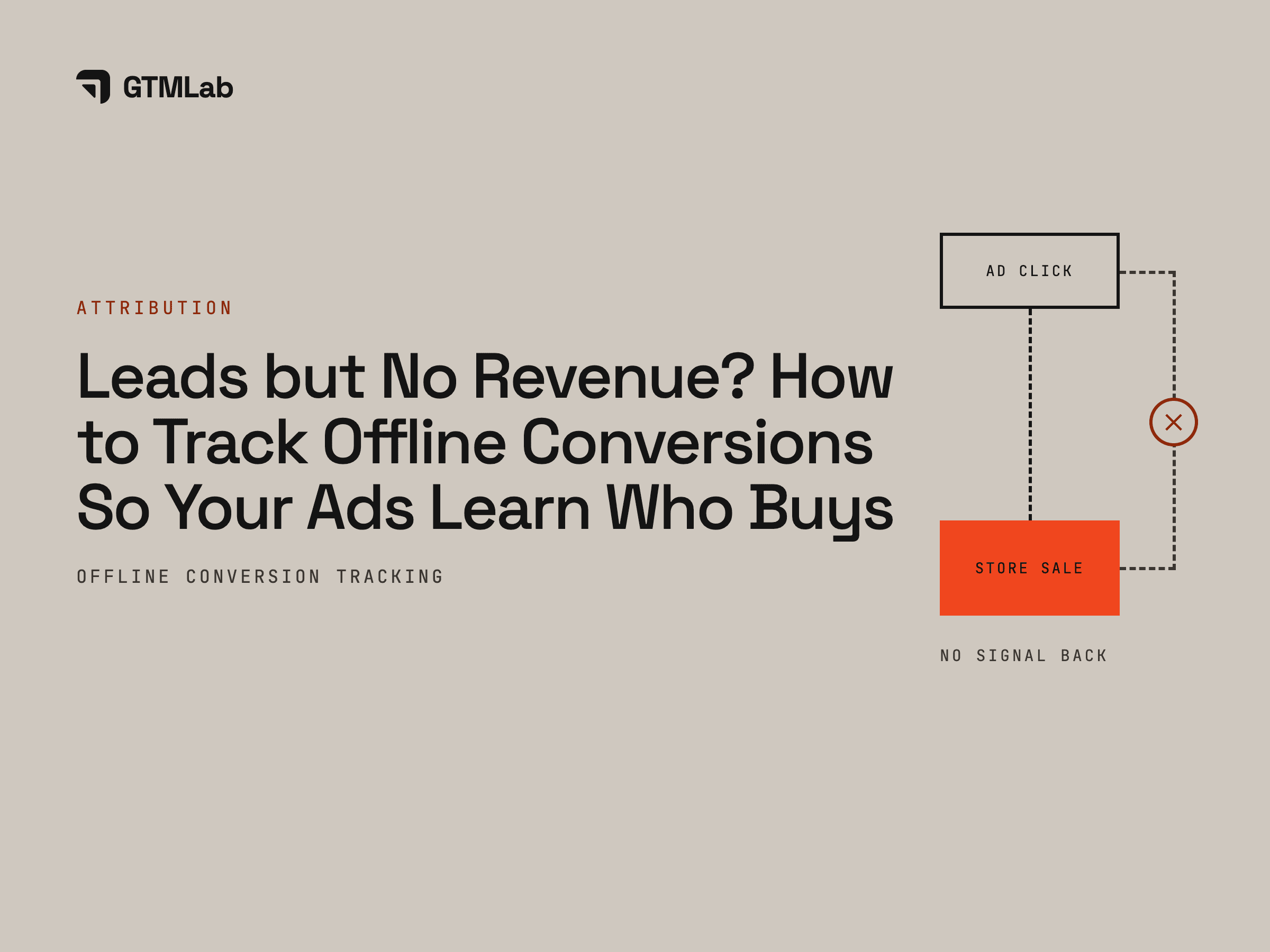
If your ads bring plenty of leads but little revenue, the platforms are probably optimising for the wrong thing. Google and Meta can see a form fill or a WhatsApp chat, but not which of those leads paid. Offline conversion tracking fixes that: it sends the sales that close in your CRM, booking system or WhatsApp back to Google and Meta, matched to the original ad click, so bidding learns to find more people who buy instead of more people who fill in forms.
For businesses where the sale happens after the click, on WhatsApp, on a call, at a clinic or at a showroom, it's usually the single biggest improvement an ad account can make. Here's how it works and how to set it up.
What is offline conversion tracking?
An offline conversion is any result that happens away from your website: a lead your sales team qualifies, a consultation that gets booked, a patient who shows up, a contract that gets signed, a deal closed on WhatsApp. Offline conversion tracking records those results against the ad click that started them and reports them back to the ad platform.
It matters because Google's Smart Bidding and Meta's delivery system optimise toward whatever signal you give them. Give them "form submitted" and they find form fillers. Give them "became a paying customer, and here's what they spent" and they look for more people like that.
Signs your ads are optimising for the wrong leads
- Cost per lead keeps falling, but sales don't move.
- Your sales team says most leads are junk, unreachable or "just asking".
- The campaign the platform reports as your best is the one your CRM shows closing least.
- Nobody can answer "which campaign brought in this customer?"
If two or more of these sound familiar, your ads are flying on the wrong signal.
How offline conversion tracking works
- Capture the click ID and contact details with every lead. When someone clicks a Google ad, the landing page URL carries a click ID (gclid, or gbraid and wbraid for some iPhone traffic). Meta adds fbclid, which its pixel stores as the _fbc cookie. Save these with the lead, along with their email and phone number.
- Store them on the lead in your CRM. Every lead record keeps its click ID, source and campaign from the first touch.
- Mark the stages that matter. Qualified, booked, showed up, won, and the value of the sale. These become the conversions you send back.
- Send the outcomes back, server to server. On Google, use offline conversion imports or enhanced conversions for leads. On Meta, use the Conversions API. Automate it, daily at least, ideally as each stage changes.
- Bid on what you sent. Once enough results flow back, switch campaigns to optimise for qualified leads or sales, and use real values for value-based bidding.
| At a glance | Google Ads | Meta |
|---|---|---|
| How you send it | Offline conversion import, or enhanced conversions for leads | Conversions API |
| How it's matched | The click ID (gclid), or the lead's hashed email and phone | The lead's hashed email and phone, the _fbc and _fbp cookies, or the lead ID from Meta lead forms |
| Timing | Clicks within the conversion window, up to 90 days | As close to real time as possible |
| Where you see it | Conversions in Google Ads | Events Manager |
Email addresses and phone numbers are hashed (scrambled one way with SHA-256) before they're sent, so the platforms can match them without receiving them in readable form.
What about WhatsApp sales?
Leads from Click-to-WhatsApp ads carry their own click ID (ctwa_clid), passed to your WhatsApp Business Platform setup when the chat starts. Store it with the chat in your CRM, and when that lead books or pays, send the result back to Meta through the Conversions API for business messaging. This closes the loop that most WhatsApp-heavy advertisers never close.
Common mistakes that break it
- The click ID never gets saved. Forms that drop URL parameters, redirects that strip them, or chat widgets that lose them mean nothing can be matched later. Test with a real ad click, not a typed URL.
- One event for everything. Sending only "lead" teaches nothing new. Send each stage (qualified, booked, won) as its own conversion.
- Uploading once a month. Late data teaches the algorithm late. Automate daily uploads or real-time events.
- Counting sales twice. If the browser pixel and the server both report the same purchase, give both the same event ID so Meta can remove the duplicate.
- Values that don't add up. Send the real sale value in the right currency, or value-based bidding learns the wrong lesson.
- Ignoring privacy. Hash personal data, follow your local privacy law (such as Indonesia's PDP Law or Singapore's PDPA), and make sure your consent and privacy policy cover it.
What changes when the ads see real sales
Results from accounts where we connected the CRM to the ads, each read from the client's own CRM or booking data, not from the platform's report:
- IKIGAI, Hong Kong studios: from almost no purchases reported back to Meta to 100%, and 63× ROAS on high-ticket courses. Read the case study
- A premium orthopedic clinic: lead-to-patient conversion from about 10% to 25%+, a signal Google could finally learn from. Read the case study
- Bluuu, luxury yacht tours: 100% of paid spend traced to a booking, and revenue up 27% on lower spend. Read the case study
- Ashley Hotel Group: 420 direct bookings tracked and 62.5× blended ROAS in the peak month. Read the case study
Once the ads can see who buys, the other fixes get easier too. Our guide to why ads keep getting more expensive covers what to do next.
See which of your campaigns actually earn
We trace your leads from the ad click to the sale and show you what your ads are really optimising for, in 5 working days, walked through on a 30-minute call.
See Offline Conversion TrackingFrequently asked questions
What is an offline conversion?
Any result that happens away from your website and can be traced back to an ad: a qualified lead, a booked appointment, a store visit, a phone or WhatsApp sale, a signed contract. Tracking it lets you report and optimise on outcomes that make money, not just on clicks and forms.
Do I need a CRM to track offline conversions?
You need somewhere that records each lead's click ID and what happened to it. A spreadsheet works to start, and Google Ads can import from one on a schedule. A CRM connected to the ad platforms makes it automatic and removes the manual work that usually makes these setups fall apart.
How long until bidding improves?
Expect a few weeks. The platforms need a steady flow of results before they optimise reliably on a new conversion, and each campaign switch goes through a learning period. Accounts with more sales per week learn faster.
Is offline conversion tracking allowed under privacy law?
It can be, when done properly: personal data is hashed before it's sent, it's used only for measurement and advertising your privacy policy covers, and you follow your local law, such as Indonesia's PDP Law or Singapore's PDPA. Check your setup with your legal adviser.
Can I track sales that close on WhatsApp?
Yes. Click-to-WhatsApp ads pass a click ID (ctwa_clid) when the chat starts. Save it with the chat, and send bookings or payments back to Meta through the Conversions API. For leads that message you directly, matching by hashed phone number also works.
What's the difference between server-side tracking and offline conversion tracking?
Server-side tracking sends website events, like page views, forms and purchases, from your server instead of only from the visitor's browser, so fewer are lost. Offline conversion tracking sends results that happen after the website, like qualified leads and closed sales. Most accounts need both.


.png)


