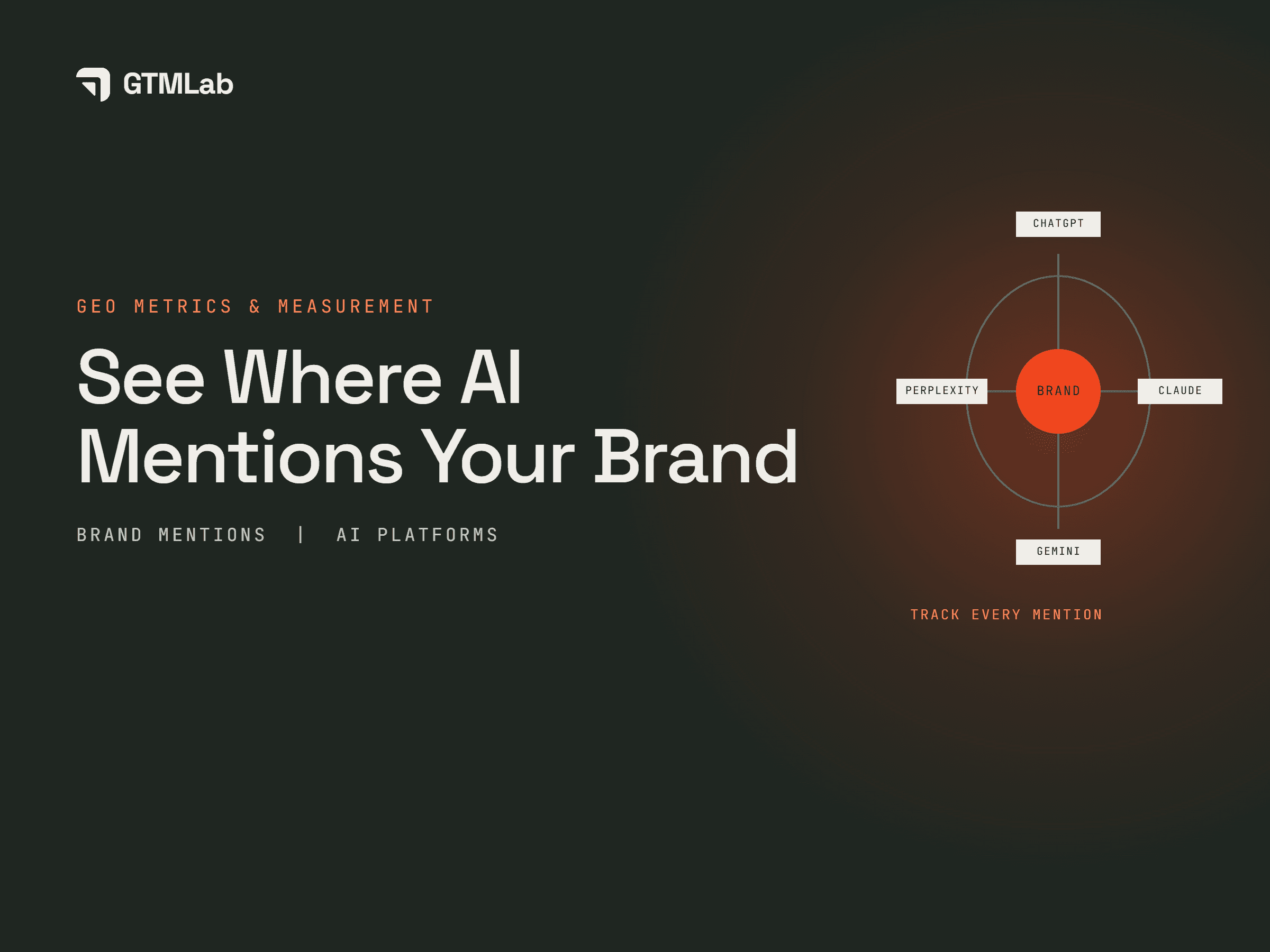
When people ask AI tools to compare products or recommend a service, your brand may appear among the options. For businesses, this practice helps in improving your business’ visibility growth more efficiently. So, by knowing which questions bring your business into those answers, and whether it is described accurately, it helps you understand how potential customers encounter your brand in AI search.
In order to start tracking whether your business got mentioned by AI tools, you can choose a consistent set of customer questions. Then, run them across the platforms you want to monitor and record whether each answer names your business. Don’t forget to save the responses with their dates, testing conditions and supporting links so you can compare what changes.
In brief, a brand mention is a reference to your business within a generated answer. This tracking strategy will help you understand which questions bring your brand into the conversation, how it is described, and which competitors appear alongside it. The useful record includes the context around your name as well as its presence.
What Counts as a Brand Mention in AI Search?
You should start by defining what your team will count. In this process, mark a mention when the generated answer explicitly names your business or uses a recognizable variation of its name. Then, count your brand once per response for the presence measure, even if the answer names it several times.
It is important to keep three observations separate. First, a mention establishes that your business was named in the AI answer. Then, a recommendation means the answer presents it as an option for the customer’s needs. Lastly, a citation links to a source presented as supporting the answer. You can record whether that link leads to your website or another publisher.
An answer might name your business while linking to a directory, or cite an article you published without presenting your company as a provider. You should note both the answer and its links, and check how your business is described. If the response attributes the wrong service, location or capability to your business, add a short accuracy note so a higher mention count does not hide a recurring factual problem.
Choose the Questions You Want to Monitor
Start building your prompt set around the decisions your customers are making. It is important to use real customer questions as it reveals the needs and concerns of users that shape a buying decision. Sales enquiries, customer support conversations, and existing search research can help you identify the services, requirements and comparisons worth checking.
When choosing prompts for GEO, include the details that affect whether your business is relevant. A location, language, team size or service requirement can make the question more useful than a broad request for the best companies in a category.
Give each prompt a stable identifier and preserve its wording. If you add a location or change the requirement, save that version separately. You can expand your research while retaining a consistent set of questions for comparison.
Record Mentions Across ChatGPT, Gemini and Perplexity
Run each prompt in a fresh conversation and save the first completed response. Record follow-up questions and regenerated answers as separate tests. This gives you a clearer record of what each question produced without earlier discussion supplying extra information about your brand.
Keep a separate entry for each platform. Understanding how ChatGPT, Gemini and Perplexity differ in search helps you decide which settings and source details to retain alongside the answer.
OpenAI explains that ChatGPT search can use relevant memories and location information when shaping searches. Record those settings where available, along with the selected model or mode and whether web search ran. A new conversation alone does not document all the conditions surrounding a response.
Meanwhile, Google says Gemini may show sources and related content, but these links are not present in every answer. Record a mention even when no source link appears, and note that the response provided no links.
Perplexity’s guidance describes answers with source citations and follow-up questions that retain the earlier conversations context. Record the selected search experience and any visible model choice, and begin independent checks in separate sessions.
For every platform, distinguish citations attached to claims from other related links. Open the linked page before treating it as evidence for a particular statement.
A spreadsheet can hold the initial record:
| Field | What to record |
|---|---|
| Prompt | Stable ID, exact wording and whether it names your brand. |
| Test conditions | Date, time, platform, model or mode, language, target market and relevant account settings. |
| Brand presence | Whether the answer names your business and which name variation it uses. |
| Context and accuracy | How the answer describes your business, whether it recommends it and any factual errors. |
| Competitors | Other businesses named for the same question. |
| Sources and related links | Exact URLs, link type and whether the page belongs to your business or another publisher. |
| Evidence | A saved copy of the complete response for later review. |
If you use a monitoring tool, check how it collects answers and which platforms, markets and languages it supports. Ask whether the records come from the consumer interface, an API or another collection method. You should be able to inspect the underlying response and understand how the tool identifies your brand.
Compare Results Over Time
Choose a checking schedule your team can maintain. A weekly review can be a practical starting point for a small manual program. More frequent automated checks can provide additional observations, provided someone reviews the findings and the collection method stays documented.
Compare the same prompts on the same platforms, with similar testing conditions. The reasons ChatGPT can give different answers to the same question make saved responses especially useful when investigating a change.
Look for patterns across several checks. Which questions repeatedly name your business? Where do competitors appear more consistently? Are the descriptions accurate, and do the supporting links change? Review these findings by service, market or customer need so a combined total does not hide an important gap.
Treat unsuccessful tests separately. An error or an unavailable response should be marked as a failed check. An answer that completes successfully without naming your business is a valid observation of no mention.
Record changes to your own process as well. Adding prompts, switching models or changing the collection method affects the comparison. Any report should state the prompts, platforms and period covered so readers understand the scope of its findings.
Use Your Findings to Guide Content Updates
Begin with a recurring issue you can investigate. If answers repeatedly misstate what you offer, compare the claim with any cited pages, your service information and public listings. If competitors appear for a relevant requirement, review whether your website clearly explains your own suitability for that need.
Turn each finding into a specific task. Identify the page or listing involved, the information to verify, the person responsible and the change needed. A service page may need clearer coverage details, while an outdated directory entry may require a correction from its publisher.
When inaccurate mentions trace back to outdated addresses, opening hours or service details, the next step is to correct the information across your business listings. GTMLab can manage those updates across your profiles, directories and location pages, giving you a clear set of changes to review when you repeat the original prompts.
After an update, return to the original questions and retain the new responses. Record whether the description, recommendation or supporting links changed. Repeated observations can help you decide what to investigate next, while a single changed answer provides limited evidence about what caused it.
So, tracking brand mentions helps you understand where your business appears in AI answers and whether it is described accurately. By using real customer questions and keeping a consistent record of responses, competitors and sources make changes easier to assess over time. Therefore, those findings help you identify recurring gaps, prioritise content updates and review whether customers receive clearer, more useful information about your business.
Frequently Asked Questions
Can I track product names separately from my company name?
Yes. Create separate entries for the company and the products you want to monitor. Record when an answer names a product without naming its parent company, and define how those results will appear in your report. This lets you examine product discovery alongside company visibility.
What if my brand name is also a common word?
Review the context before counting a match. Check whether the answer refers to your industry, location, product or website. An automated match on the name alone may need manual review. Keep uncertain matches flagged until you can identify which business the answer describes.
How should I handle tracking after a rebrand?
Track the old and new names separately during the transition, with the rebrand date noted in your records. Keep the customer questions stable where possible. You can then review whether answers adopt the new identity, continue using the previous name or confuse the two.
Can I ask an AI why it left my brand out?
You can use its explanation to develop questions for further investigation. Verify any factual claims or sources it provides, and treat its account of the omission as a hypothesis. Your saved answers and source checks provide the evidence for deciding what to change.


