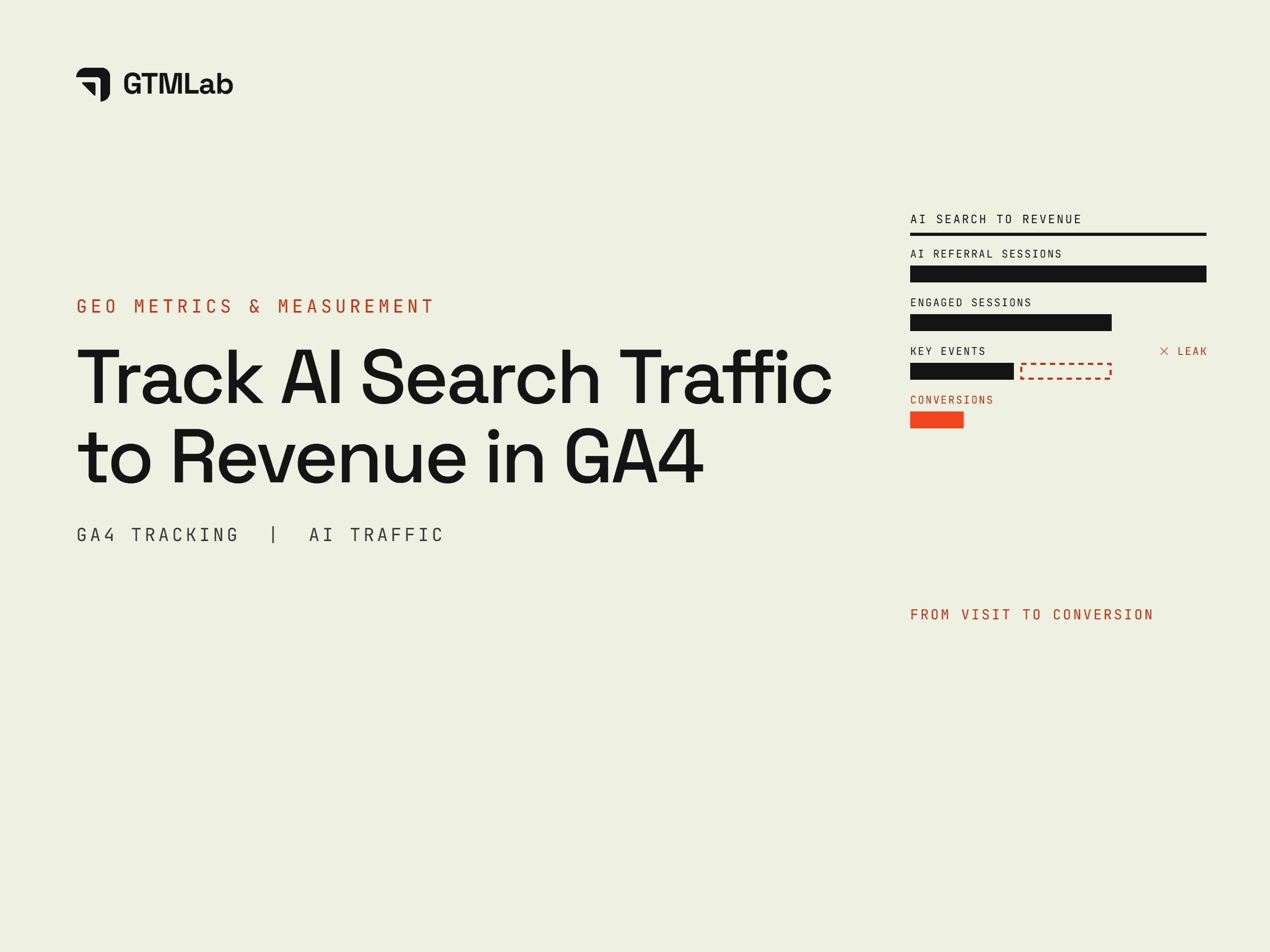
AI search traffic means visits that reach your website through links in AI-generated answers. Google Analytics 4 (GA4) is an analysis that can help you identify some of those visits, review the pages people land on, and also measure the actions they take afterwards.
To track AI traffic in GA4, start by the traffic acquisition report, inspect the sources recorded for your sessions, and select the business actions you want to measure. The useful outcome is a report that connects identifiable visits with relevant activity, such as an enquiry submission or a completed purchase.
What GA4 Can Show About AI Search Traffic
GA4 includes an AI Assistant channel that groups traffic from recognized AI sources, such as ChatGPT, Gemini, and Claude. Meanwhile, Google’s AI Overviews and AI Mode sit within Organic Search. This distinction matters when deciding which visits belong in your AI traffic report.
You should also understand that AI visibility describes how your business appears in generated answers. An answer can mention your brand without sending a visitor to your website. Then, website analytics addresses the activity you can measure when people visit your site. It is better to review those findings together while keeping the evidence for each outcome clear.
Before reviewing results, you need to confirm that GA4 is collecting activity from the relevant pages and that your enquiry or purchase events work. A traffic report becomes more useful when its outcome measurements reflect what actually happened on your website.
Finding AI Assistant Visits in Traffic Acquisition
Open the GA4 property for your website and choose a reporting period. Then, you can use the following workflow:
- Go to Reports → Acquisition → Traffic acquisition. If the report is missing, ask a property editor or administrator to restore it to the navigation.
- Select Add filter, choose Session default channel group, and set it to Exactly matches → AI Assistant. Apply the filter to isolate that channel.
- Use the table’s dimension dropdown to select Session source / medium. This breaks the filtered traffic down by its recorded source and medium.
- Click the + beside the primary dimension and add Landing page + query string to see where those sessions began.
Read the source values your property actually records. If an expected source is absent, remove the channel filter and inspect the wider source list before deciding whether the visits are missing or classified elsewhere. Keep a note of any additional source rules you use so the next report follows the same definition.
After that, use session-based dimensions consistently. First user source / medium describes initial user acquisition, while Session source / medium describes session acquisition. They answer different questions, so their results should not be treated as interchangeable.
The landing-page breakdown gives the numbers a practical use. You can identify the pages receiving AI-attributed sessions, then review whether those pages explain the offer and provide a clear next step.
Tracking Enquiries and Sales With Key Events
Decide what counts as a meaningful outcome before interpreting the numbers. In GA4’s standard reports, important tracked actions are called key events. Create or identify the event that measures the action, then mark it as a key event.
For a lead-generation website, start with the successful submission of the relevant enquiry form. Google’s recommended generate_lead can represent lead generation, but it needs to be configured for your implementation. A general form-submission event may include unrelated forms, so check which form and action your event captures.
Keep the stages of contact separate:
| Action | What the record establishes |
|---|---|
| WhatsApp button click | Someone clicked the link to contact you. |
| Successful enquiry submission | The intended enquiry form was submitted successfully. |
| Confirmed booking or purchase | A completed transaction was recorded by the relevant system. |
A WhatsApp click alone does not establish that a message was sent or that the person became a customer. Use enquiry and sales records to verify those later stages.
Test the event before using it in a report. With debug mode enabled, GA4’s DebugView lets you inspect incoming events and their parameters. Check a successful submission, an invalid attempt and a page reload. The goal is to confirm that the event fires for the intended action without inflating the count.
For an existing event, go to Admin → Data display → Events, find the event and mark it as a key event. This setting changes how a collected event is reported; the underlying tracking still needs to work.
Understanding Attribution and Missing Source Data
An AI traffic report reflects the source information available to GA4. Missing referral details, redirects and tracking interference can affect that record. Traffic without a clear source may appear as (direct) / (none), which is not evidence that it came from AI.
Treat traffic associated with Google AI Overviews and AI Mode carefully, too. Their inclusion in Organic Search means a Google organic total should not be labelled as AI traffic.
Session attribution also follows specific rules. Google documents a non-direct last-click model for sessions, so a source label can reflect an earlier eligible touchpoint rather than a fresh click from that platform on every visit.
These limits make it useful to keep analytics evidence alongside enquiry records and customer feedback. If a customer says they found you through ChatGPT, retain that as self-reported discovery. Report it separately from sessions GA4 attributes to an AI source.
Building an AI Traffic Report You Can Use
Keep the report focused on a few questions: which sources appear, where visitors arrive, and which meaningful actions follow. In the filtered Traffic acquisition report, review Sessions, Engagement rate, Key events and Session key event rate.
Select the relevant action from the All events menu under Key events. This keeps enquiry submissions separate from other marked actions. Check that the rate uses the same selected event; if it covers all key events, label it accordingly. Session key event rate shows the share of sessions containing a key event; it is different from dividing the number of event occurrences by sessions, because one session can contain repeated events.
Compare equivalent periods and include the underlying counts. A handful of additional enquiries can produce a large percentage change when the starting volume is small. Record changes to your event setup or source definitions so readers can interpret the comparison.
Use the landing pages to guide the next action. A page receiving visits but few enquiries deserves a review of its offer, information and contact process. Where enquiries are being recorded, inspect their relevance and subsequent sales outcomes before deciding which content to expand.
If your enquiries continue in WhatsApp or a CRM, GTMLab's Data & CRM team can connect your analytics with sales outcomes, so you can see which visits turned into revenue.
Bring these findings into your wider GEO performance measurement. Keep AI answer visibility, identifiable website activity and verified customer outcomes visible as separate measures, with a clear next action attached to each finding.
Tracking AI traffic in GA4 becomes more useful when you connect recorded sources and landing pages with meaningful customer actions. Read key events alongside enquiry and sales records, keeping attribution limits clear so the report reflects what you can verify. This way, it gives your team a clearer basis for improving the pages and customer journeys that turn interest into business.
Frequently Asked Questions
Will marking an event as a key event update older reports?
No. Marking an event as a key event affects reporting from that point forward and does not change historical data. Record the activation date so comparisons reflect when the measurement began.
How long does new tracking data take to appear in GA4?
Use DebugView during testing and Realtime to check recent collections. Most standard-report data takes 24–48 hours to be fully processed, so allow that time before assessing a new setup through the regular reports.
What if the booking or checkout happens on another domain?
Check whether the external platform supports cross-domain measurement. Both domains need the same tag ID from the same GA4 web data stream, and the linking parameter must survive the journey. Test the completed booking path to confirm that measurement continues across the domains.
Can my team’s test visits affect the report?
Yes, if those visits are collected and included in the traffic you analyse. GA4 supports internal-traffic rules and data filters. Validate exclusion rules in the Testing state before activating them, because actively excluded data is permanently discarded.


